
#SpringdaleFamily Video Collaboration!
Share what inspires you with all the communities of Springdale!
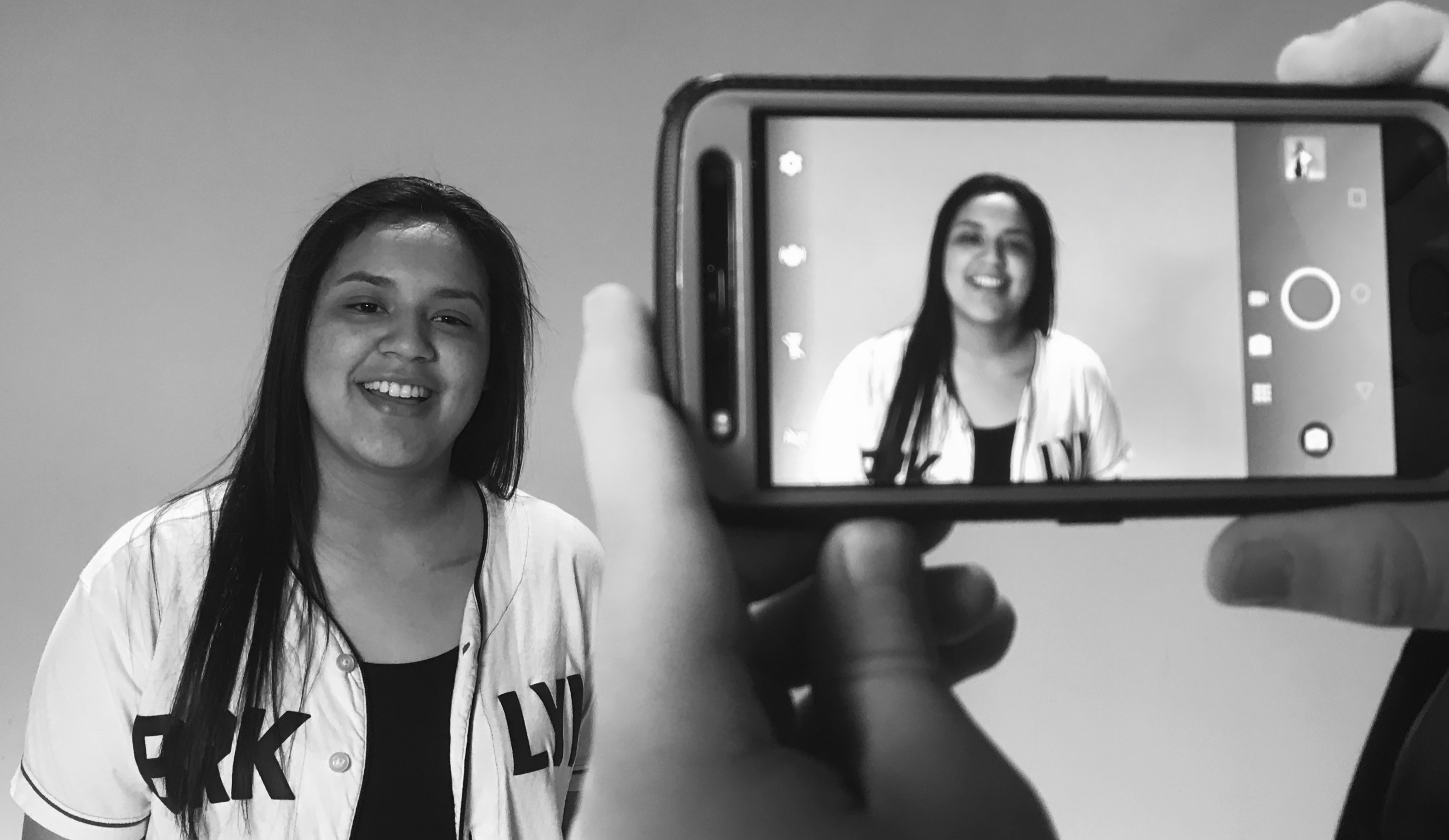
Springdale family! I got all my teachers with me Springdale family Get up everybody and sing Springdale family I got all my students with me Springdale family Get up everybody and sing!
"Springdale Family"
Sung to the tune of "We Are Family" by Sister Sledge
RULES AND REGULATIONS
Send Submissions, Google Drive, WeTransfer, Dropbox, etc. to jscooper@sdale.org
ELIGIBILITY: Open to any student or staff in the Springdale Public Schools. In Accordance with the Authorized Use Permit.
ENTRY REQUIREMENTS: All entries must meet the following guidelines:
The entry and all elements of the entry must be the entrant’s original work and previously unpublished.
Each video clip should be no longer than 1 minute.
EACH CLIP MUST BE SUBMITTED BY January 30, 2023 at 9:00pm
Have fun and sing the song.
The entry may not contain the following: Nudity, profanity, any situations which expose any persons appearing in the entries to physical injury or violates state and federal law.
RIGHTS IN SUBMISSIONS: In consideration of entrant’s submission being reviewed and evaluated for this project, each entrant hereby grants the Springdale Public Schools a non-exclusive, irrevocable, fully paid, universal license to use, copy, modify or make derivative works, sublicense, transmit, distribute, publicly perform, publish, delete or display such submission, or any portion thereof, in any media now known or hereafter devised including, but not limited to, all forms of television and all forms of internet and wireless protocol without any further right of approval or additional compensation. Each entrant grants Springdale Public Schools the right, but not the obligation, to use the story, characters, and any other information presented in the entry, including the name and likeness of entrant and any persons appearing in the entry, in a commercial or other advertising and publicity for Springdale Public Schools. In connection with your video entry, you affirm, represent, and/or warrant that you own or have the necessary licenses rights, consents, and permissions to use and authorize Springdale Public Schools to use all patent, trademark, trade secret, copyright or other proprietary right in all video entries to enable inclusion and use of the entry in the manner contemplated by this project and these Official Rules.
GENERAL RULES: Void where prohibited. All federal, state and local laws apply. Sponsor may alter entries submitted prior to publication, if any. Submission of project entry (1) constitutes permission to use participants names and likenesses, address (city/state), and video entry, for advertising and publicity purposes without further compensation, unless prohibited by law, (2) grants Springdale Public Schools and its agents the right to modify, adapt, and/or edit entry, and (3) constitutes a representation and warranty that entrant has received permission for Springdale Public Schools to use the audio and likeness of all persons appearing in the video without additional compensation to such persons. Springdale Public Schools is not responsible for late, lost, illegible, incomplete, stolen, garbled or misdirected entries, all of which are void. Electronic entries will be deemed made by the authorized account holder of the e-mail address submitted at time of entry. The authorized account holder is deemed as the natural person who is assigned to an email address by an Internet access provider, online service provider or other organization that is responsible for assigning email addresses for the domain associated with the submitted e-mail address. Entries that are incomplete, illegible or corrupted are void and will not be accepted. By entering the project, entrant recognizes and agrees that the registration information provided by entrant will be made available to Springdale Public Schools; use of such information will be governed by district privacy policy. Springdale Public Schools reserves the right, in its sole discretion, to disqualify any individual who tampers with the entry process, and terminate, suspend, cancel or modify the project from among all eligible entries received as of the date of termination if for any reason this project is not capable of running as planned due to infection by computer virus, bugs, tampering, fraud, unauthorized intervention, technical failures or other causes beyond the control of Springdale Public Schools.
HOW TO SUBMIT:
ANDROID
Google Drive
Open or download the google drive app
Create a folder for the videos
Move all the videos from your storage to the drive folder
Find the submission form in your school email
Submit it via the form
Done!
DropBox
Download the Dropbox App
Create a folder
Upload the videos from your phone into the folder
Go to submission email in your school email
Submit the form with a link to the dropbox
Done!
IOS
Google Drive/Dropbox or WeTransfer
Open or download the Google Drive app
Create a folder for your videos.
Go to your photos app and select all of your videos.
Click the share button and add google drive to your share options.
Click Google Drive in your share options.
Upload all of your clips to the folder you created.
Open the Google Drive app. Open your folder with your clips, copy the link to your Google Drive folder that you created.
Open the Submission form the One Day in Springdale email.
Fill out the form and Paste your Google Drive Folder Link.